

WooCommerce Migration
Replatforming to WooCommerce is mostly a data problem: products with all their variants, customers with clean password-reset flows, order history for accounting, and the URL structure that holds your SEO.
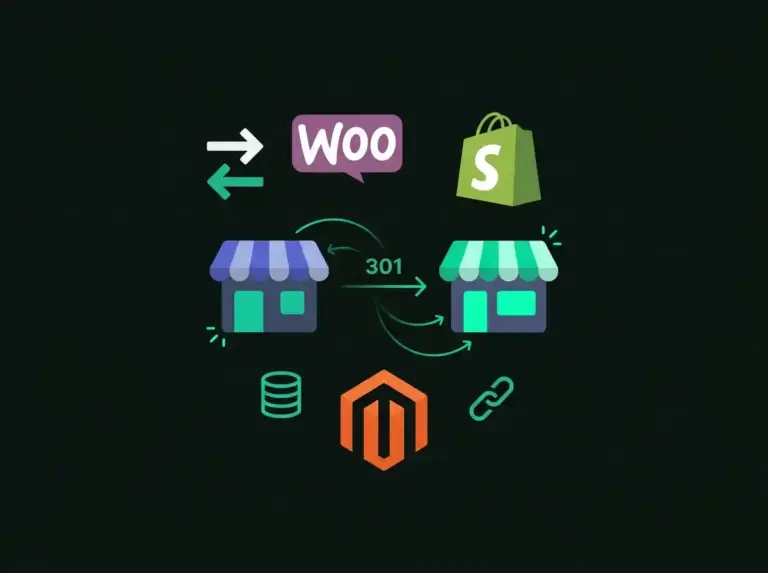
I’ve migrated stores from Shopify, Magento, BigCommerce, Wix, and custom carts — each has its own export quirks, and I’ve hit most of them already. The process runs on a staging copy first: full catalog and customer import, a 301 redirect map for every old URL, payment and shipping parity checks, and a final delta sync of orders placed during the switchover so nothing falls in the gap.
What's Included:
Payment Security
Why Choose My WooCommerce Migration Services?
I deliver exceptional results with a focus on quality, performance, and client satisfaction.
Zero Data Loss
Every product, variant, customer record, and order history is verified and accounted for after migration.
SEO Preserved
301 redirects and URL mapping ensure your search rankings and organic traffic aren't affected by the platform switch.
No Downtime
Your current store stays live until the new WooCommerce store is fully tested and ready for the DNS switch.
Lower Costs
WooCommerce has no monthly platform fees or transaction charges — just hosting costs you control.
WordPress Development
RecommendedCustom WordPress website development, theme customization, and plugin development.
Steps for completing your project
After purchasing the project, send requirements so I can start the project.
Delivery time starts when I receive requirements from you.
I work on your project following the steps below.
Revisions may occur after the delivery date.
Migration Audit
I analyze your current store — product count, variants, customer data, order volume, and custom fields — to plan the migration strategy.
WooCommerce Setup
Setting up WooCommerce on your hosting with the right theme, payment gateways, shipping rules, and tax configuration.
Data Migration
Transferring all products, categories, customers, and orders using reliable migration tools and custom scripts for complex data.
SEO & Redirect Mapping
Creating 301 redirects from old URLs to new ones, transferring meta data, and verifying search engine visibility.
Testing & Go Live
Thorough testing of the new store — checkout flow, payment processing, email notifications — before switching DNS to go live.
Review the work, release payment, and leave feedback.
What if I'm not happy with the work?Frequently Asked Questions
Common questions about this service
No. I create comprehensive 301 redirect maps from your old URLs to the new WooCommerce URLs. This tells search engines to transfer ranking signals to the new pages. Most sites see no significant ranking changes.
Yes, I migrate complete order history including customer details, line items, payment status, and fulfillment data. Your team can reference past orders in WooCommerce just like in Shopify.
All product images, descriptions, variants, prices, SKUs, and metadata are migrated. I verify image quality and fix any formatting issues in descriptions during the transfer.
Typically 1-2 weeks for stores with up to 1,000 products. Larger stores or those with complex custom fields may take 2-4 weeks. Your current store stays live throughout.
Yes. The migration builds and tests on a staging copy while your current store keeps selling. Just before cutover I run a delta sync that pulls across every order, customer, and stock change made since the first import, then switch DNS. The overlap window is minutes, not days, and no order falls between the platforms.
Other Services You May Need

WooCommerce Store Setup & Development
Complete WooCommerce store setup from scratch or migration from other platforms.

Shopify Store Development
Professional Shopify store design, customization, and optimization services.

SureCart Development
Modern, lightweight e-commerce for WordPress with superior performance.
Ready to Get Started?
Let's discuss your project requirements and create something amazing together.
