

WordPress Troubleshooting & Emergency Fixes
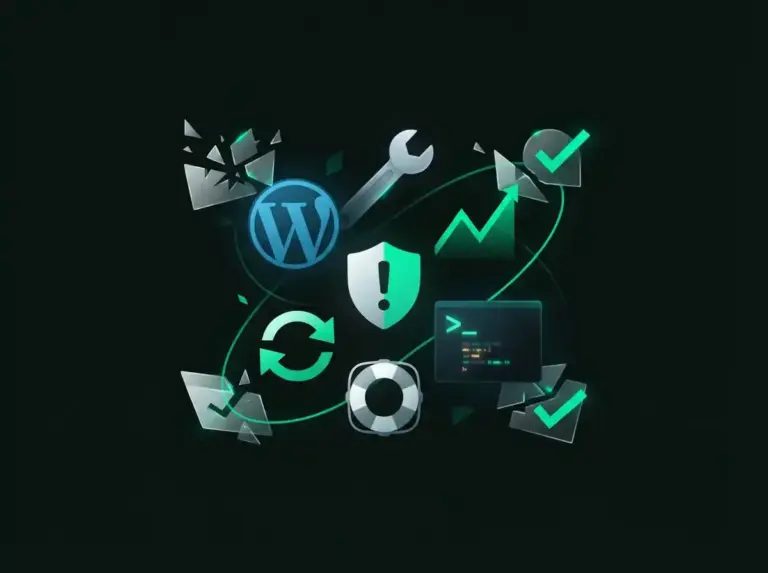
White screen of death, “There has been a critical error”, a broken layout after an update, or a site that suddenly won’t load — WordPress emergencies almost always trace back to a small set of causes, and finding the right one fast is the skill.
I work from evidence (PHP error logs, debug mode, query monitoring) instead of guess-and-deactivate, reproduce the fix on a copy of your site first whenever possible, and leave you with a written explanation of what broke and why. Years of fixing other people’s sites means I’ve probably seen your exact error before.
What's Included:
Payment Security
Why Choose My WordPress Troubleshooting & Emergency Fixes Services?
I deliver exceptional results with a focus on quality, performance, and client satisfaction.
Rapid Response
Emergency issues are treated with urgency. I typically start within hours, not days.
Root Cause Analysis
I don't just patch symptoms — I identify and fix the underlying problem permanently.
Zero Data Loss
I create backups before touching anything, so your content and data are always safe.
Prevention Plan
After fixing, I provide recommendations to prevent the same issue from recurring.
Website Management Package
RecommendedWho looks after your site: updates, security, speed and fixes, plus daily backups and minor content updates. Works on any host; domain and hosting…
Steps for completing your project
After purchasing the project, send requirements so I can start the project.
Delivery time starts when I receive requirements from you.
I work on your project following the steps below.
Revisions may occur after the delivery date.
Issue Assessment
You describe the problem and share access. I replicate the issue and identify the error source using debug logs.
Backup & Staging
I create a full backup of your site before making any changes. Critical fixes are tested on staging first.
Diagnosis & Fix
I trace the root cause — whether it's a plugin conflict, corrupt database, PHP issue, or server misconfiguration — and apply a permanent fix.
Verification & Report
I verify the fix across devices, clear all caches, and provide a summary of what went wrong and how to prevent it.
Review the work, release payment, and leave feedback.
What if I'm not happy with the work?Frequently Asked Questions
Common questions about this service
Yes, the White Screen of Death is one of the most common WordPress issues I resolve. It's usually caused by a plugin conflict, PHP memory limit, or a theme error. I can typically fix it within a few hours.
Don't panic. I can roll back the problematic update, identify the compatibility issue, and either fix the conflict or find an alternative solution. I always test updates on staging before applying to live sites.
Absolutely. I can reset your password via the database, fix broken login pages, resolve redirect loops, and recover admin access through FTP or hosting panel.
For emergency issues, I aim to start within 1-3 hours during business hours. I understand downtime means lost revenue, so I treat urgent requests as priority.
Yes, I offer maintenance packages that include regular updates, monitoring, and priority support to prevent future issues. Ask about my WordPress Maintenance plans.
Yes — most emergency clients come to me without a usable backup. The first thing I do is take one, so the situation can't get worse while we work. From there, most sites are recoverable in place: the database usually survives even when the files are a mess, and hosts often keep snapshots you didn't know existed. Once you're back online, I set up automatic off-site backups so this is never a risk again.
Other Services You May Need
Custom Theme Development
Bespoke WordPress themes built from scratch to match your brand perfectly.
Plugin Development & Customization
Custom WordPress plugins and modifications to extend your site's functionality.

Bricks Builder Development
High-performance, reputable websites built with the modern Bricks Builder.
Ready to Get Started?
Let's discuss your project requirements and create something amazing together.
