

Elementor vs Bricks Builder: A Developer’s Honest Comparison
Note: I may earn a commission from links on my site. This doesn't influence my reviews or project evaluations.

The short version: Bricks wins on performance, code quality, and long-term ownership costs; Elementor wins on ecosystem, editor familiarity, and team handoff. Which one is right depends on who maintains the site after launch — and that’s the comparison this guide actually makes.
If you’re evaluating Elementor vs. Bricks Builder, you’re not looking for marketing hype — you’re looking for operational clarity.
As a developer who builds, optimizes, and maintains production WordPress systems for agencies and growing businesses, I’ve deployed both at scale. This isn’t a feature checklist. It’s a long-term ownership comparison: performance, scalability, client usability, and ROI.
If builder choice impacts your maintenance overhead, hosting costs, Core Web Vitals, or handoff complexity — this guide is for you.
Strategic Context: Why This Decision Impacts ROI
For agencies and B2B site owners, a page builder is not just a design tool.
It affects:
- Development velocity
- Ongoing maintenance cost
- Performance optimization effort
- Client edit reliability
- Infrastructure requirements
In multiple rebuild projects, I’ve seen the wrong builder increase optimization time by 30–40% during performance audits. That directly translates into billable hours.
If you care about long-term operational efficiency, builder choice is architectural — not aesthetic.
What Is Elementor?
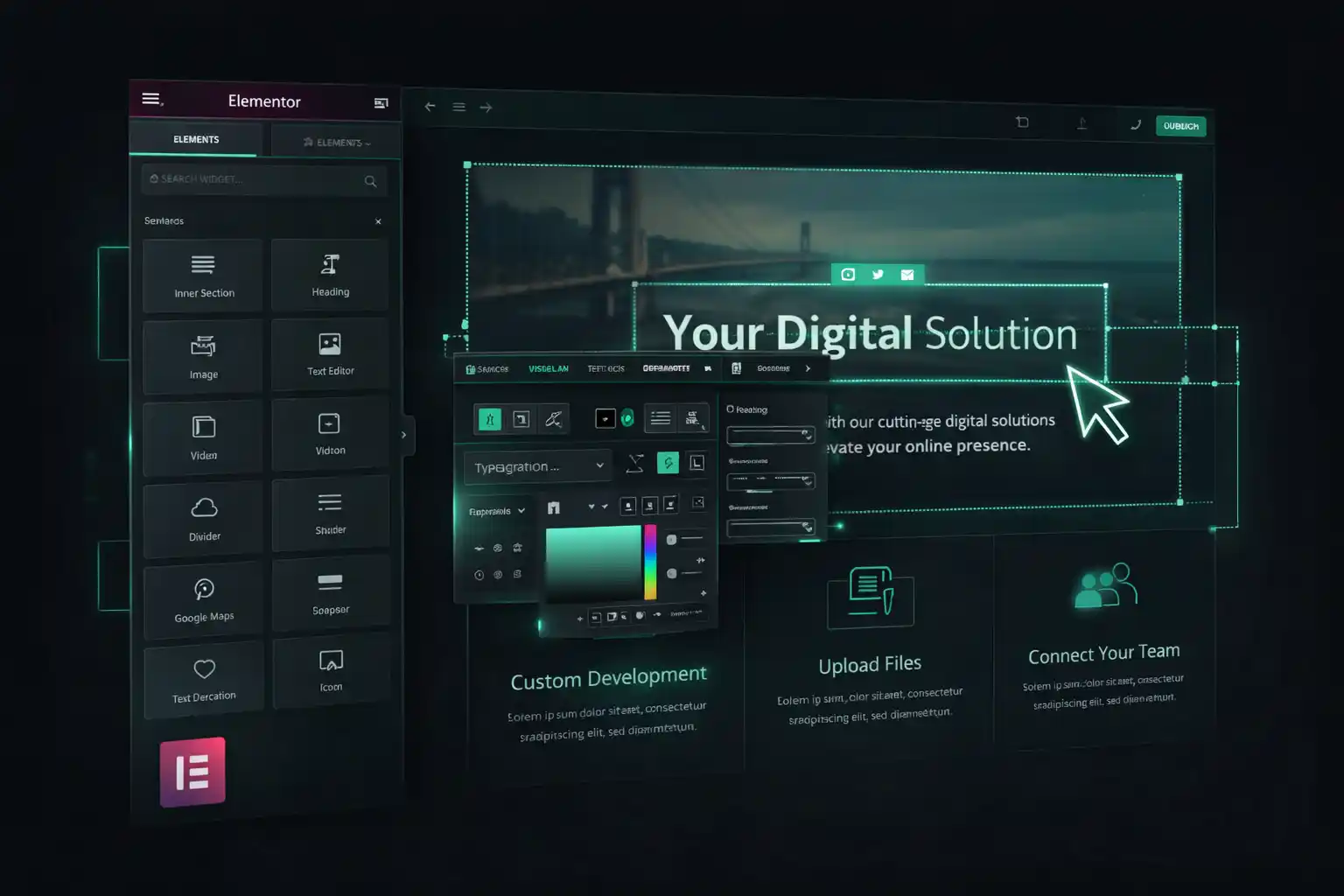
Elementor is the most widely adopted visual builder in the WordPress ecosystem. Its dominance makes it unavoidable in agency workflows.
Elementor’s Core Model
Elementor is UI-first and accessibility-driven. It abstracts layout complexity into sections, columns, and widgets so non-developers can build visually.
For client-controlled marketing sites, this is powerful.
For developers, abstraction comes at a structural cost.
Elementor Free vs. Elementor Pro
In real-world projects, Elementor Pro becomes mandatory — dynamic content, theme building, forms, and advanced widgets all sit behind the Pro license.
From a budgeting standpoint, this means:
- Annual subscription per site tier
- Scaling cost for agencies
- Renewal dependency
That cost structure matters when managing 20+ client installs.
What Is Bricks Builder?
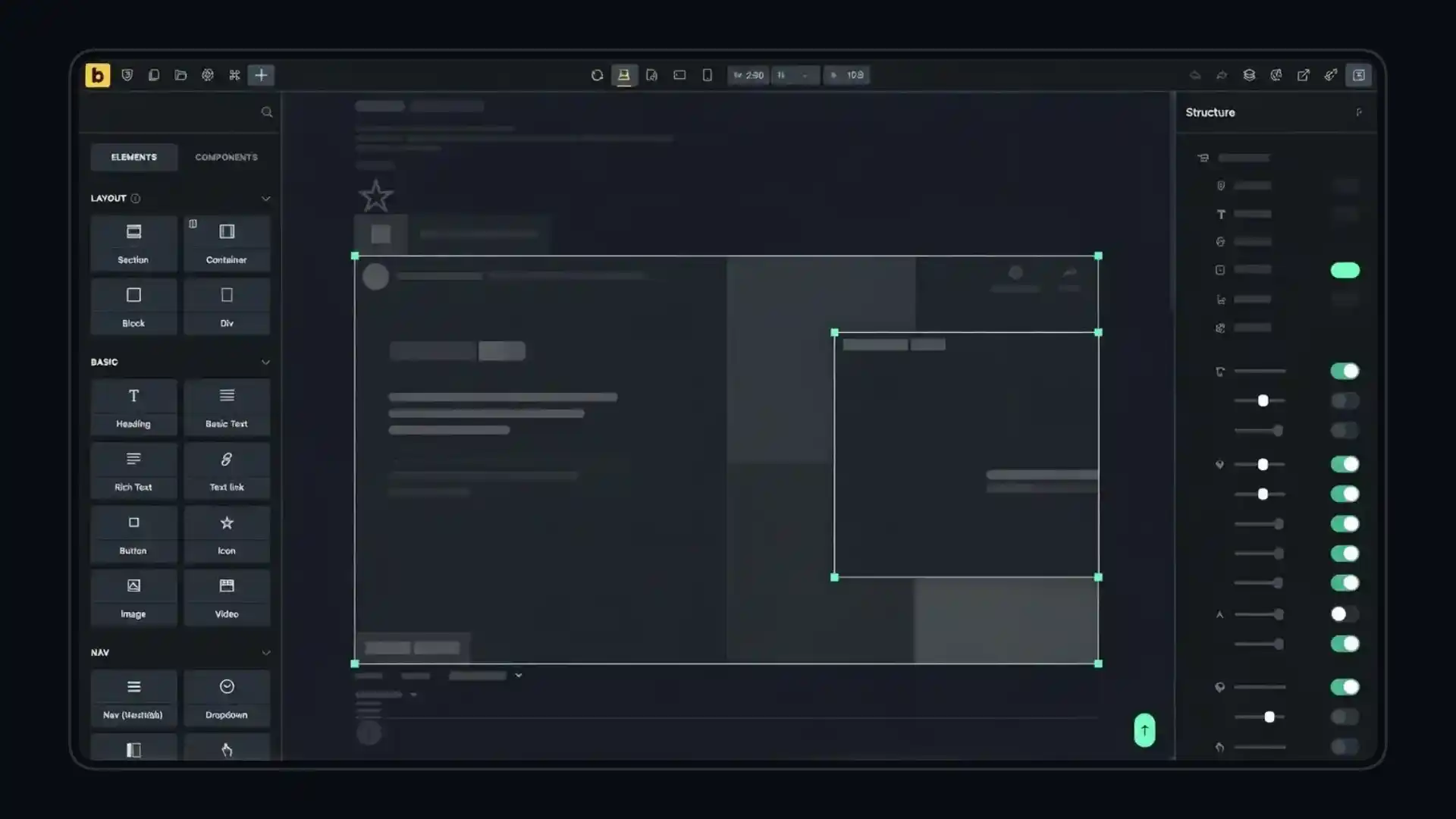
Bricks Builder is a theme + builder hybrid built with performance and developer control as primary goals.
It replaces the traditional theme layer and centralizes layout, templating, and styling inside one controlled system.
Architectural Philosophy
Bricks assumes you understand:
- CSS structure
- Layout hierarchy
- Responsive behavior
Instead of hiding these concepts, it exposes them.
For developers, that’s leverage.
UI & Workflow Comparison

Elementor Workflow
Elementor’s interface is intuitive for beginners. Drag, drop, style, repeat.
But at scale:
- Nested containers increase
- Inline styling multiplies
- Global consistency becomes harder to enforce
Large enterprise-style pages can become visually complex inside the editor itself.
Bricks Workflow
Bricks keeps structural hierarchy visible at all times.
You build more like a front-end developer:
- Containers
- Flexbox/Grid logic
- Centralized styling
There’s a steeper learning curve — but faster execution once mastered.
Performance & Core Web Vitals
If you’ve read my breakdown in The True Cost of a Slow Website (And How I Fix It), you already know performance is revenue infrastructure.
Markup Output
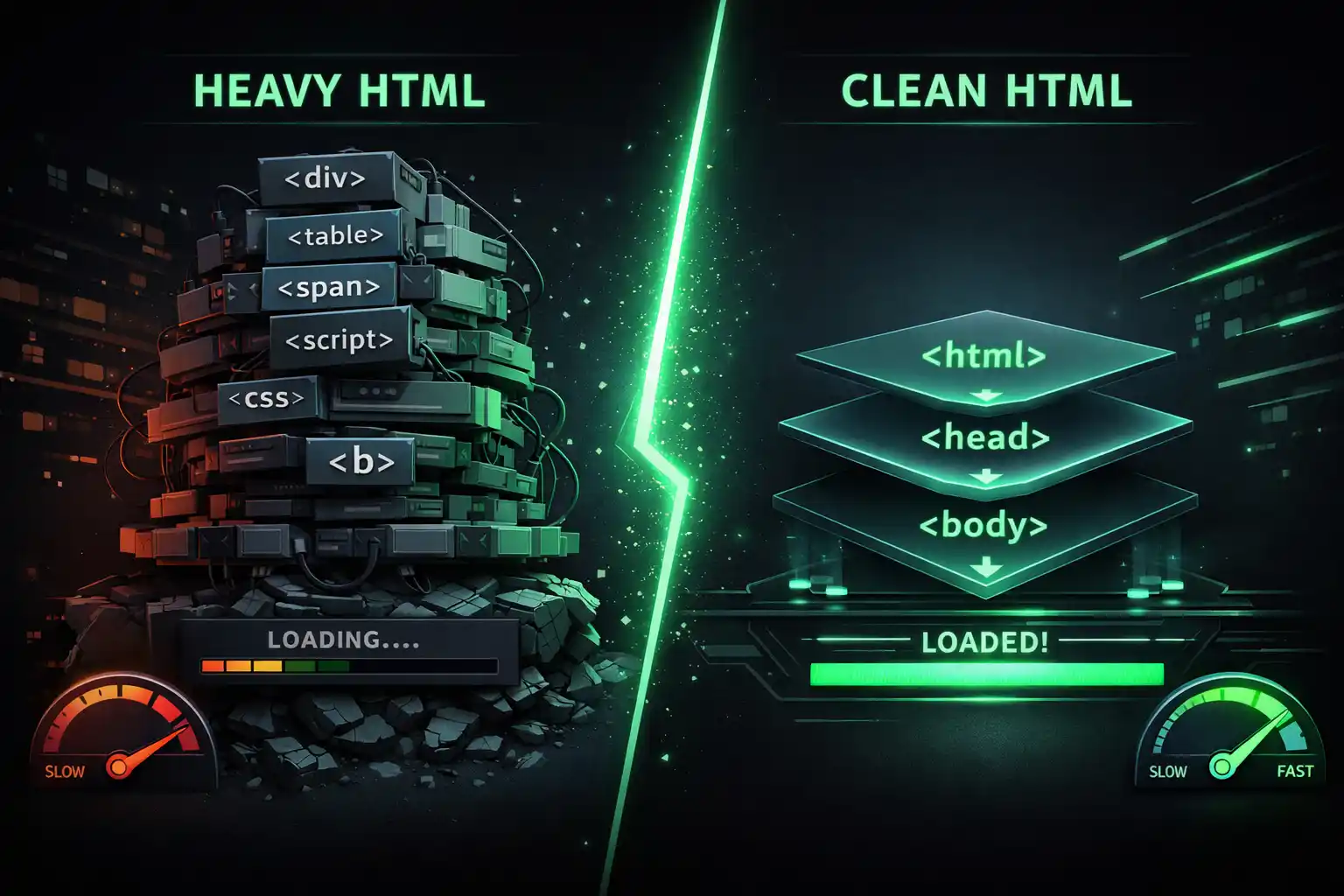
Elementor typically generates:
- More wrappers
- Inline styles
- Additional JS dependencies
Bricks outputs:
- Cleaner DOM
- Centralized CSS
- Reduced structural redundancy
In performance audits, Elementor builds often require additional cleanup, caching strategy refinement, and selective asset disabling.
Bricks builds start closer to optimization best practices.
If performance is mission-critical, I often pair Bricks with quality hosting like Hostinger and advanced caching strategies.
For agencies offering WordPress Speed Optimization & Performance, this difference compounds.
Developer Experience (DX)
Custom CSS & System Design
Elementor supports custom CSS (Pro-only), but styling often becomes widget-scoped.
Bricks treats CSS as first-class. You can build true design systems.
Tools like Core Framework and Advanced Themer extend Bricks into a structured design ecosystem.
Hooks, Logic & Extensibility
For custom functionality, I regularly integrate:
- ACF
- Custom post types
- REST integrations via rest api development
Bricks feels closer to native WordPress logic.
Elementor often requires additional add-ons or workarounds.
Dynamic Content & Data Architecture
Both builders support dynamic data.
With Elementor, advanced dynamic setups often rely on ecosystems like Crocoblock (especially JetEngine).
Bricks includes native query loops and conditions that reduce dependency layers.
For larger content-driven systems, fewer layers = fewer failure points.
If you’re building structured systems, this overlaps with my work in Custom Theme Development and Plugin Development & Customization.
Theme Dependency & Lock-In Risk
Elementor still depends on theme compatibility (often paired with themes like Astra or Blocksy).
Bricks replaces the theme layer entirely.
From an architectural standpoint, fewer moving parts reduce conflict surfaces.
Lock-in exists in both ecosystems.
However, Bricks leaves behind cleaner HTML structure if deactivated — important in long-term migrations.
Pricing & Long-Term Cost Structure

Elementor operates on a recurring subscription.
Bricks offers M/Y subscription + lifetime licensing.
For solo freelancers, the difference is minor.
For agencies managing 30+ installs, recurring subscriptions materially affect margins.
Cost isn’t just license price — it’s:
- Maintenance time
- Performance optimization hours
- Add-on stacking
ROI is cumulative.
Quick Comparison Table
| Criteria | Elementor | Bricks Builder |
|---|---|---|
| Performance Baseline | Moderate | High |
| DOM Cleanliness | Heavy | Clean |
| Theme Dependency | Yes | No |
| Learning Curve | Easier | Moderate |
| Design System Control | Limited | Strong |
| Pricing Model | Subscription | Lifetime |
| Best For | Client-edited marketing sites | Developer-led scalable builds |
My Real-World Experience
I’ve rebuilt multiple Elementor sites where:
- Core Web Vitals failed on mobile
- DOM size exceeded 2,000+ nodes on landing pages
- Excessive third-party widgets slowed TTFB
In performance rebuilds using Bricks, we reduced:
- DOM complexity
- Plugin reliance
- Optimization hours per deployment
That doesn’t make Elementor “bad.”
It means builder selection should align with:
- Who maintains the site
- Performance requirements
- Long-term scale expectations
When I Choose Elementor
- Marketing teams need heavy visual control
- Rapid client iteration matters more than structural purity
- The project lifecycle is short-term
In these cases, I use Elementor strategically — not blindly.
When I Choose Bricks
- Performance is non-negotiable
- The site is long-term infrastructure
- I’m building structured systems with dynamic logic
- Agency maintainability matters
Most new performance-focused builds I handle now default to Bricks.
Still not sure which builder fits your project?
Book a free 30-minute call — I build with both stacks daily and I’ll recommend the right one for your team, even if it’s not the one I’d enjoy more.
Frequently Asked Questions
In most performance audits I’ve conducted, yes. Bricks outputs cleaner HTML and centralized CSS, reducing optimization overhead.
Not inherently. However, heavier markup and excessive add-ons can indirectly affect Core Web Vitals. Pairing it with proper optimization and tools like Rank Math is essential.
Yes — but Elementor is generally more beginner-friendly. For structured enterprise sites, limited editing access is often preferred anyway.
If your priority is scalability, performance, and margin control — Bricks often provides stronger long-term ROI.
Final Verdict: It’s About Architecture, Not Hype

The Elementor vs. Bricks Builder debate isn’t about trends.
It’s about:
- Maintenance cost
- Performance risk
- Client workflow
- Agency scalability
Choose based on operational impact — not popularity.
If you’re planning a performance-focused build or considering a rebuild, review my WordPress Development Services or explore my process at /process.
If you want direct consultation on choosing the right architecture for your next project, you can reach me here:


Comments
No comments yet — be the first to share your thoughts.